Cursor Space
Install the free Cursor Space extension, pick a pack, and replace your default pointer with cute, gaming, or minimal styles in a few clicks.
A custom cursor for Chrome is a quick way to personalize browsing—whether you want a free animated set, a Fortnite- or Roblox-inspired look, or a simple minimal pointer. Cursor Space keeps packs organized and easy to apply from the Chrome Web Store.
Install from the Chrome Web Store and try packs without a paid plan.
Cute, gaming, pixel, and minimal packs—browse on site or in the extension.
Distributed via Chrome Web Store with standard extension review practices.
Go to the Cursor Space listing and review permissions.
Confirm the install. The extension appears in your toolbar in seconds.
Browse packs in the extension or on this site, then apply your favorite set.
Your custom cursor works across tabs. Switch or disable anytime in the extension.
What people are installing right now—open any pack to preview and add it.
 Bibata Modern Ice CursorEnhance your desktop with Bibata Modern Ice Cursor, a stylish and elegant custom cursor inspired by ice, perfect for a memorable user experience.
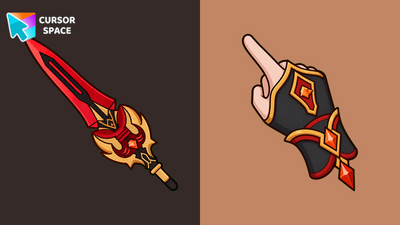 Staff of Homa Animated CursorStaff of Homa Animated Cursor on Cursor Space - crimson polearm arrow with a softly pulsing orange crystal on the hilt.
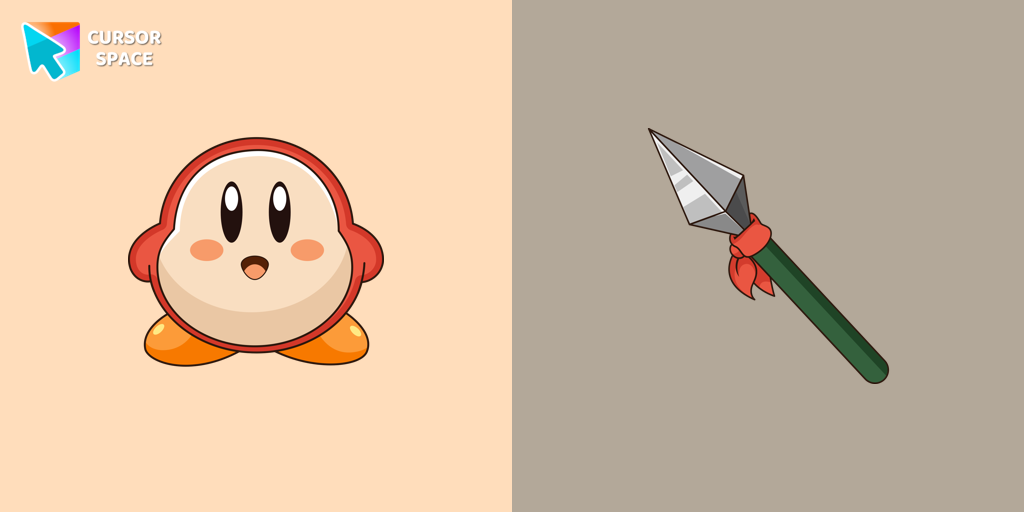 Waddle Dee cursorIntroducing the Waddle Dee custom cursor from our Games collection of cute cursors.
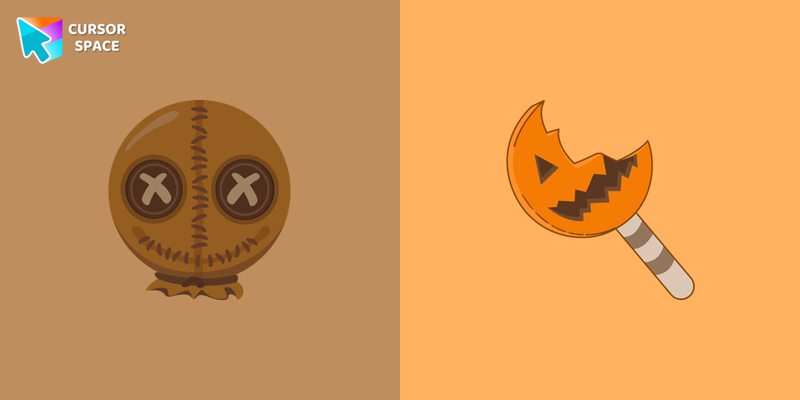 Trick r Treat Sam cursorIn our Halloween custom cursors collection, you will also find Trick r Treat Sam as a custom cursor for mouse and pointer.
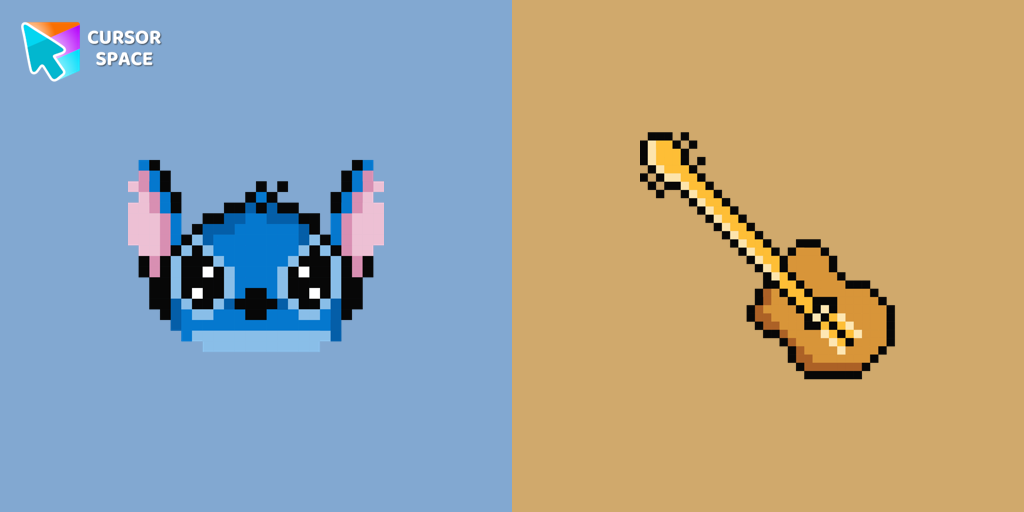 Stitch Pixel cursorThe only thing that can destroy Stitch Pixel Cursor from our custom cursors collection for Chrome is boring time on the Internet.
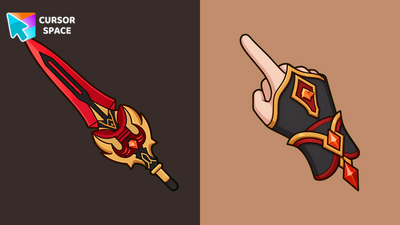 Staff of Homa CursorStaff of Homa Cursor on Cursor Space - crimson polearm tip arrow with a gold-trim pyro cuff pointing hand.
 Share Bear cursorShare the Joy with the Share Bear Cursor - Spreading Kindness Online
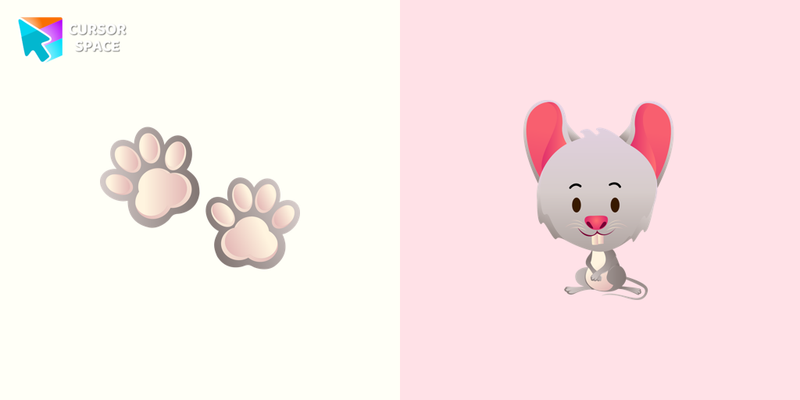 Mouse cursorThe little grey mouse cursor is illustrated for our adorable animals custom cursors collection for Chrome. Mouse footprints as a cursor for mouse and pointer will look pretty nice on your screen.
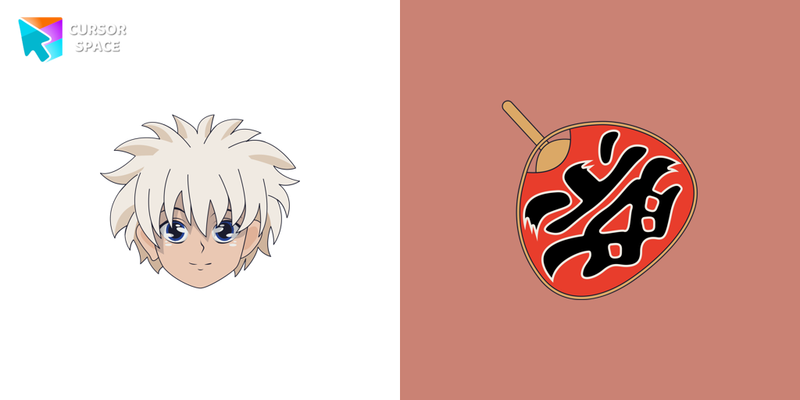 Killua Zoldyck cursorWe are glad to present this cute custom cursor with Killua Zoldyck from the adorable custom cursors collection for the mouse and pointer.
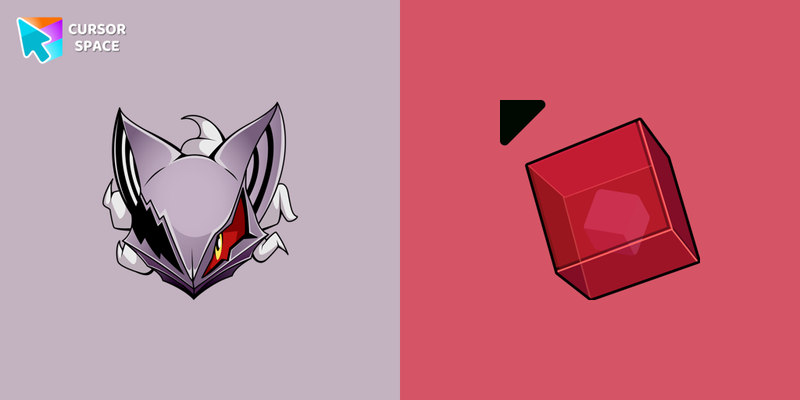 Infinite cursorInfinite is available in our Sonic the Hedgehog collection for Chrome as a custom cursor with a cool design.
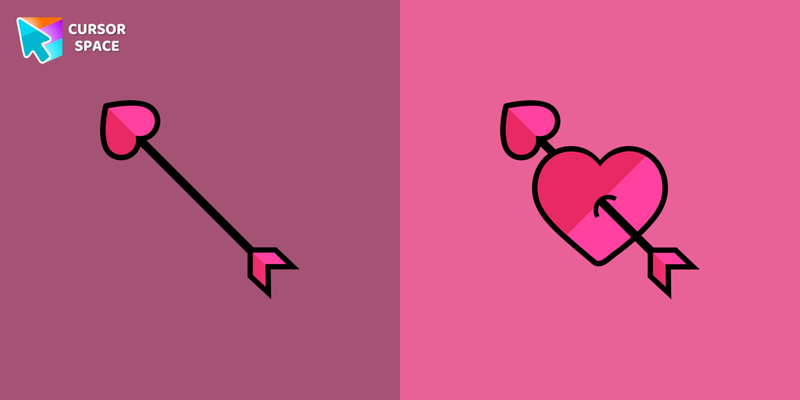 Heart cursorCupid's arrow cursor for the mouse will add a romantic mood to your everyday browsing. Heart cursor from our cutest custom cursors collection in a pretty design for mouse and pointers.
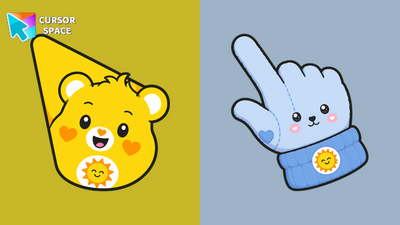 Funshine Bear CursorFunshine Bear Cursor on Cursor Space - sunny yellow teddy arrow and cheerful custom pointer.
Jump into the catalog by vibe, or open top packs and collections.
Quick answers to common questions about cursor packs, collections, and installation.
Yes when you install from the Chrome Web Store. Cursor Space is distributed there with standard review. Prefer verified publishers and keep the extension updated.
Open chrome://extensions, find Cursor Space (or the cursor extension you installed), and click Remove. Your system pointer returns after you refresh open tabs.
Open the extension popup and restore the default cursor, or disable the extension from chrome://extensions without uninstalling it.
Browser cursors need an extension. For the desktop outside Chrome, use our Windows cursor changer app linked below.
If school or work policies block browser extensions, try our offline Windows cursor changer—or keep using Cursor Space in Chrome when the store is available. More help is on the FAQ.
Download Windows app


